 Boll & Branch
A Registry, Thoughtfully Put Together.
Pieces you'll use, love and keep, from every brand we carry. For weddings, new homes, new arrivals and everything worth celebrating.
Every Brand, One List
Register for pieces from any of the 100+ brands we carry.
Free to Make and Share
No fees for you or your guests.
Bought From the Brand
Guests check out on the brand's own site.
Yours to Control
Public, link only, or just for you. Change it anytime.
How It Works
Create Your Registry
Choose the occasion and add a few details. It takes a minute.
Add What You Love
From any piece in the shop, your Favorites, or our Registry Picks.
Share Your Link
Send it by text or email, or let guests find it by name.
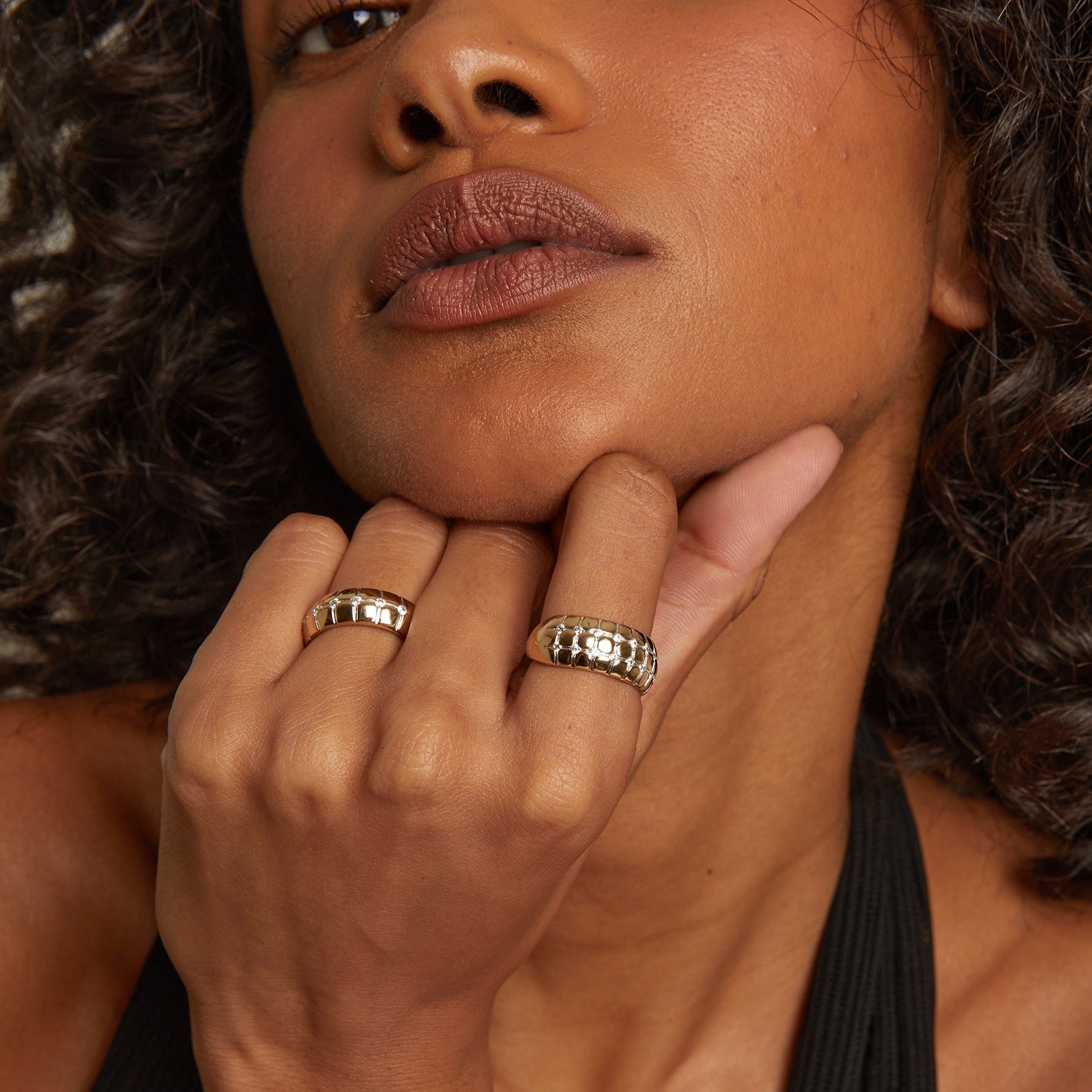
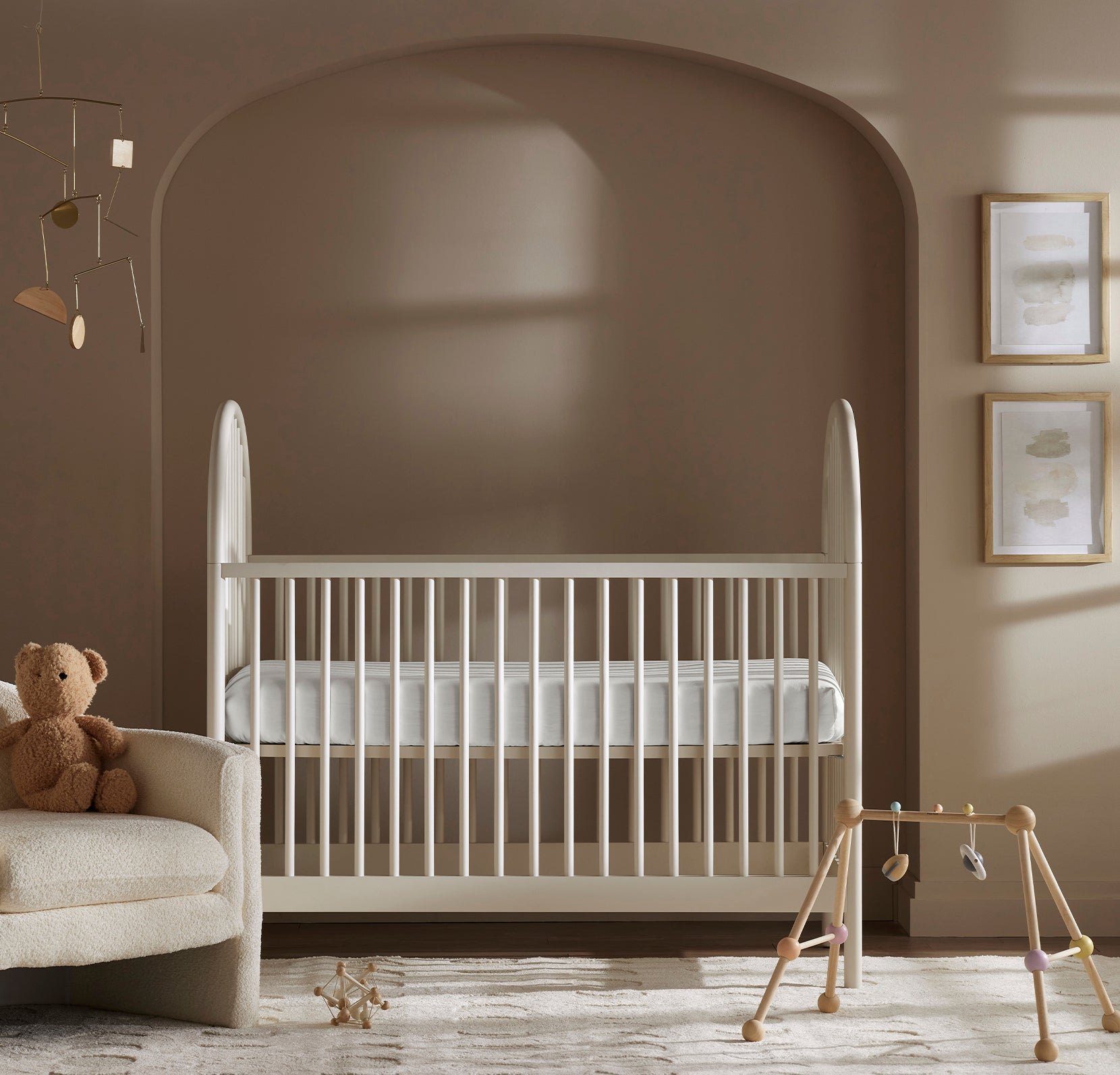
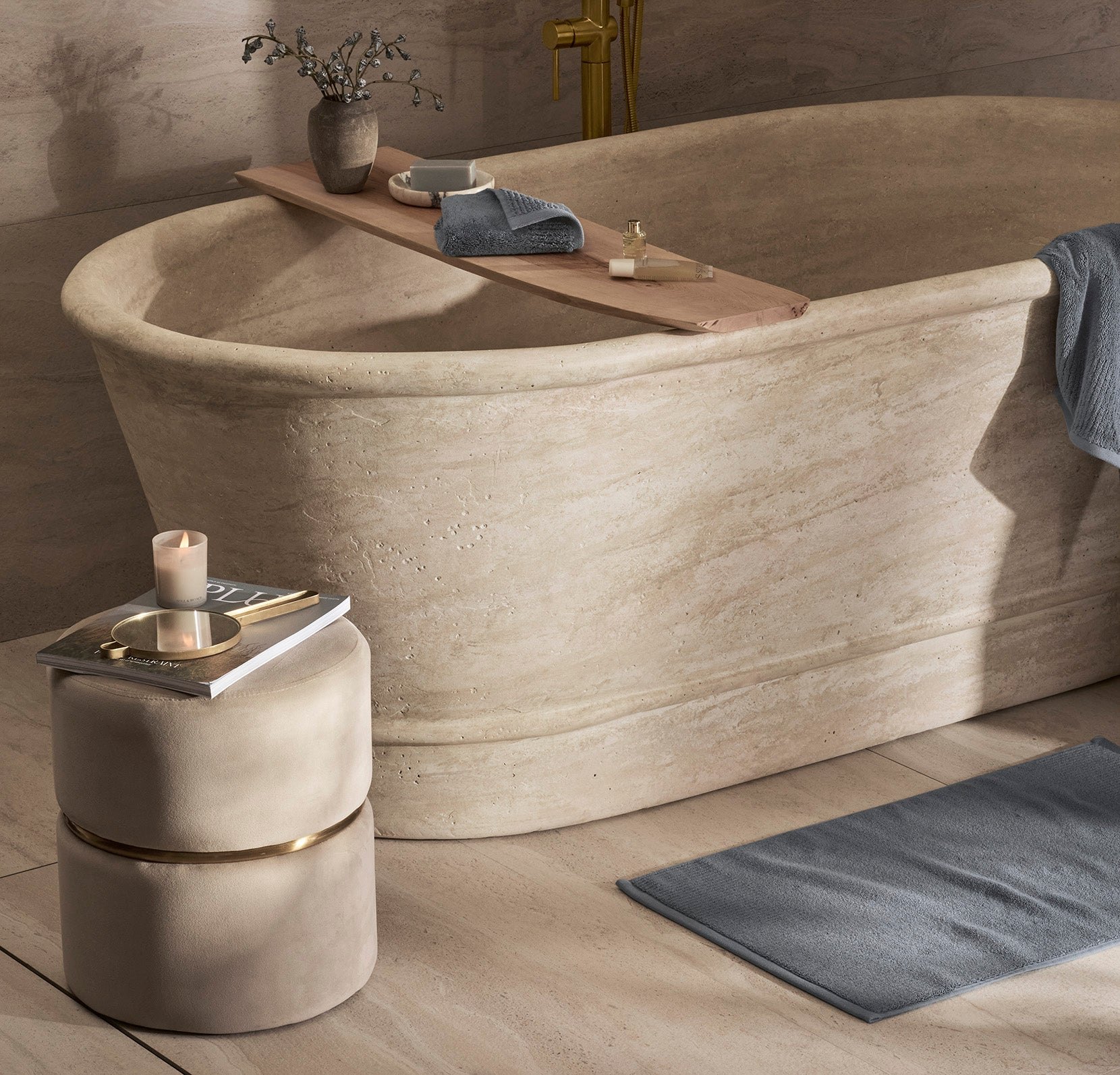


Registry Picks
A place to start. Add any of these to your registry, or open one to see it on the brand's site.
One Registry, Every Brand
Linen from one brand, cookware from another, a candle from a third, all on one list. Guests buy each piece straight from the brand that makes it.
See All BrandsQuestions
Is it free?
Yes. Making a registry, adding pieces and sharing it costs nothing, for you or your guests. Guests pay the brand's own price for what they buy.
How do I create a registry?
Choose Create a Registry, then sign in or make a free account. Pick the occasion, add your name (and a co-registrant if you like), the date and a note for your guests. You can change any of it later.
How do I add products?
Open any piece in the shop and choose Add to Registry, or add straight from your Favorites or our Registry Picks inside your registry. From there you can set how many of each you'd like, add a note or a size, mark must-haves and arrange the order.
How do I share it?
Every registry has its own link. From your registry's Share tab, copy it, send it by email or text, or download a QR code for invitations and save-the-dates. You choose who can see it:
Public can be found by name in Find a Registry. Link only stays out of search, and anyone with the link can view it. Private is just for you. You can also hide your names or the date from guests.
How do guests buy gifts?
Each piece links to the brand's own website, where your guest checks out and chooses where it ships. Shoppe Better Brands doesn't sell, hold or ship products, so share your address with guests directly if you'd like gifts sent to you.
We may earn a commission when a guest buys through our links, at no extra cost to them.
How are purchased gifts tracked?
Brands don't tell us when an order is placed, so purchases are reported, not automatic. After buying, a guest returns to your registry and marks the piece purchased with their name. It then shows as purchased to everyone, and a piece can't be marked past the number you asked for.
You'll see each report with the guest's name and note. When the gift arrives, mark it received; received gifts are shown separately from reported ones.
How do returns work?
Returns and exchanges go through the brand that sold the piece, under that brand's own policy. Because the order is in your guest's name, the brand may ask them to start the return or for the order number, so it helps to keep a note of who sent what.
How do I edit or delete my registry?
From your registry, choose Edit Details to change the name, occasion, names, date, note, cover photo or privacy. Delete Registry is at the bottom of that page; it removes the registry and everything on it, and its link stops working.
Start Your Registry
It takes a minute, and you can change anything later.